
Get started with DropRFID.
- Account setup
- Build your product catalog
- Create and match orders
- Connect your scanner
- Find and review sessions
- Create your first routine
- API keys and webhooks
- Configure routines and review results
- Find an item with FIND
Account setup
Get your DropRFID account ready to use.

Explore the guides
- Guide 01
Account setup
Get your DropRFID account ready to use.
 Guide 02
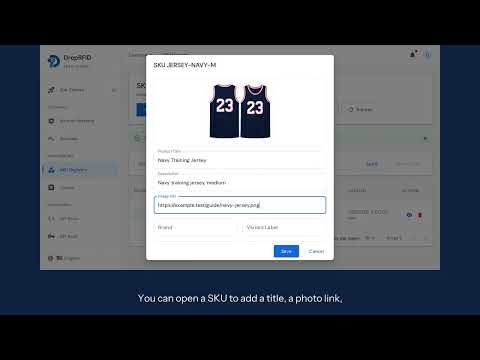
Build your product catalog
Add products and organize your catalog for RFID workflows.
 Guide 03
Create and match orders
Create orders and compare them with scanned items.
 Guide 04
Connect your scanner
Connect your scanner to your DropRFID account.
 Guide 05
Find and review sessions
Find scan sessions and review the items recorded.
 Guide 06
Create your first routine
Create a routine for a repeatable scanning workflow.
 Guide 07
API keys and webhooks
Set up API keys and webhooks to connect your systems.
 Guide 08
Configure routines and review results
Adjust routine settings and review the resulting scans.
 Guide 09
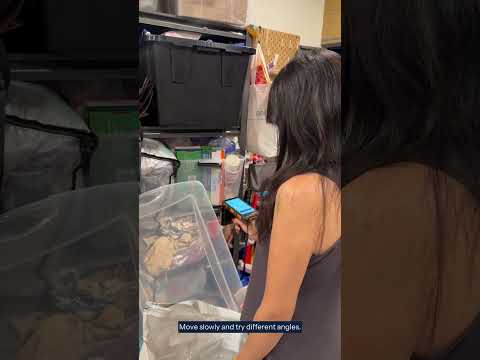
Find an item with FIND
Use FIND on your scanner to locate a specific item.