Guides
Connect your AI to DropRFID in a focused five-day challenge
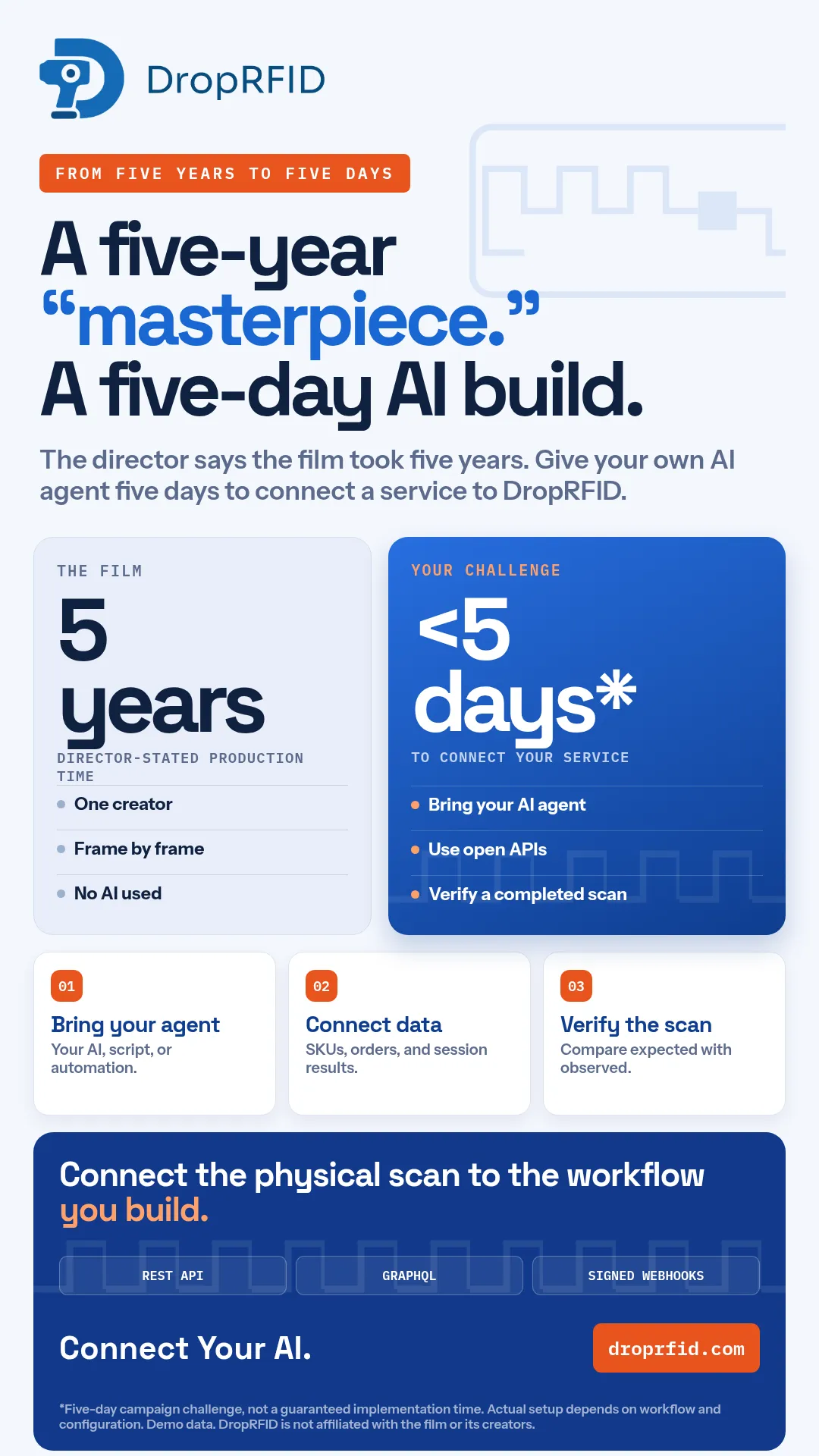
A campaign challenge for builders: connect a customer-owned AI agent to DropRFID data and verify a completed scan through documented integration surfaces.
Connecting an AI agent to an operational workflow does not require replacing the workflow. The practical challenge is smaller: bring the systems together, move the right data, and verify what happened.
The challenge
The “five-day” framing is a campaign target, not a guaranteed implementation time. A builder brings a customer-owned AI agent, script, or automation and uses DropRFID’s available integration surfaces to connect a workflow. Actual setup depends on the use case, permissions, data shape, testing, and configuration.
The campaign’s comparison to the film Niu Lai is illustrative. It is not an affiliation, endorsement, or statement about the film’s creators. The attached visuals and scan footage use demo material and synthetic data.
What can connect today
DropRFID provides public REST and GraphQL APIs, plus signed webhooks. The public REST surface can read completed sessions and manage SKU and order data, including listing, creating, importing, and updating supported records. Smart Import can also help bring pasted or uploaded SKU and order data into the platform.
Signed session.completed webhooks deliver a completed-session snapshot after the scan is complete. They can help a downstream service notify, reconcile, or start a follow-up workflow. They are not a synchronous scanner-control loop, and the public API does not expose endpoints for an external agent to create a scanner session, ingest live RFID reads, or complete that session.
A sensible first workflow
Begin with a narrow path:
- Load a small, representative SKU or order dataset.
- Read the completed scan session through the API.
- Validate expected-versus-observed items.
- Receive the signed completion event, verify its signature, and record the result.
- Add the next downstream action only after the first path is understandable.
Keep credentials and webhook secrets server-side. Use a public HTTPS webhook target; localhost and private-network addresses are not production targets. Add retries, idempotency, logging, and a human review path appropriate to the workflow.
Bring the right AI
The point is not to claim that DropRFID itself performs production anomaly detection, forecasting, or natural-language inventory queries. Those are not current shipped claims. The customer supplies the AI logic and decides how it should use the documented data and events.
That separation makes the experiment safer and easier to evaluate. Start with a clear question, a small dataset, and an explicit expected result. Then measure whether the connected workflow is useful before expanding it.
Use the challenge as an invitation to prototype—not as a universal delivery promise. Connect your AI to the workflow you actually need.
For an editorial or public demo, label every screen as illustrative when it uses synthetic records. A convincing interface can show how a flow works, but it cannot prove production readiness, customer outcomes, or a particular implementation schedule. Those require a separate review with the real data, controls, and owners.